Storage and Backup
Keep Your Data Safe, Accessible, and Ready to Scale
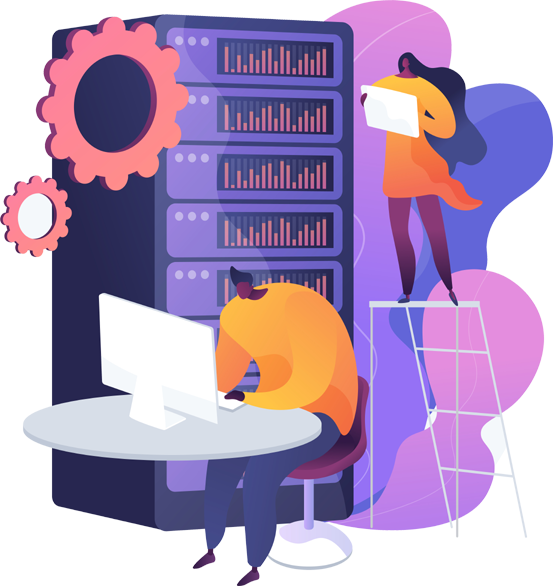
Need somewhere dependable to store all your data? We’ve got enterprise storage and backup solutions that work for businesses of pretty much any size. Whether you need file storage, block storage, cloud disk arrays, or backup tools like HYCU, we’ve got options that are reliable, redundant, and actually perform well.
WHAT WE OFFER FOR STORAGE & BACKUPS

Different Storage Types for Different Jobs
Pick what makes sense for your situation, file storage, block storage, object storage, cloud disk arrays, or archival storage.
Enterprise File Storage (EFS)
This gives you high availability, can scale as you grow, and works with SMB and NFS protocols.

Smart Backups With HYCU
HYCU does agentless backups, creates application-aware snapshots, and handles recovery for Kubernetes, VMware, and virtual setups.
Cloud Disk Array
High-performance block storage with redundancy built in and fast IOPS. Great choice for databases and anything mission-critical.
High Capacity Storage and Backup Servers
250 GB Backup Plan
- 250 GB storage
- Military-grade Encryption
- MySQL Database Backup
- Unlimited file size and count
- Unlimited number of revisions
- Managed Service
500 GB Backup Plan
- 500 GB storage
- Military-grade Encryption
- MySQL Database Backup
- Unlimited file size and count
- Unlimited number of revisions
- Managed Service
1000 GB Backup Plan
- 1000 GB storage
- Military-grade Encryption
- MySQL Database Backup
- Unlimited file size and count
- Unlimited number of revisions
- Managed Service
2000 GB Backup Plan
- 2000 GB storage
- Military-grade Encryption
- MySQL Database Backup
- Unlimited file size and count
- Unlimited number of revisions
- Managed Service
Contact For Your Requirement
Benefits
Your Stuff Stays Protected
Everything’s set up with redundancy, so your files are safe, secure, and you can get them back if something goes sideways.

Grows or Shrinks as Needed
Need more space? Less space? Change it instantly based on what your project requires. No weird restrictions.
Handles Whatever You Throw at It
Databases, backups, media files, VM images, containers, applications — store it all without issues.

Options That Fit Your Budget
Choose between premium SSD, standard storage, or archive tiers depending on how much performance you need and what you can spend.
Compatible With Everything
All our storage works smoothly with cloud servers, dedicated servers, and container platforms. No headaches getting things connected.
WHY THIS STORAGE SETUP WORKS

WHY USE OUR STORAGE & BACKUP SERVICES?
From cloud storage that scales to enterprise file sharing and backups that’ll save you during disasters — we’ve got everything you need to keep your data protected and organized. With tech like HYCU and Cloud Disk Arrays, you get performance, durability, and one less thing to worry about.