
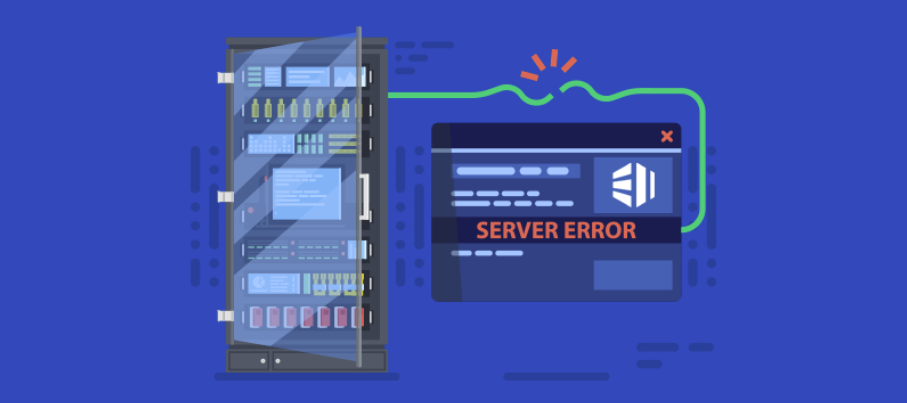
How to Troubleshoot Common Dedicated Server Issues
Using a dedicated server gives you full control and performance advantages, but at some point or another you may experience some technical issues. Knowing how to troubleshoot those issues in the right manner may maintain uptime, performance, and security.
Slow Server Performance:
When your server seems to be performing slowly, monitor CPU or Memory Load Applications with a monitoring tool. Uninstall applications that you do not use, delete cache files, and maybe add more resources. Caching or optimizing databases is also a good way to improve.
Network Connectivity Problems:
If your server is unreachable, the first place to check is the network cabling for faults and or disconnections. Then check the network bottlenecks using a tool like ping or traceroute. Sometimes the firewall settings may change and you need to review the settings. Lastly, review the DNS settings.
Disk Space and Disk Storage Problems:
Low disk space can cause downtime, poor performance or failure. Always monitor your disk usage, clean up, and delete files that are no longer necessary. Rotate logs often. Consider upgrading to SS DS or NVMe storage, because they can improve speed and capacity.
Security Breaches:
If you suspect someone has accessed your server, be proactive and change all passwords immediately and review your security logs. Just like with firewalls, find a reputable Distributed Denial of Service Protection (DDoS). Keep your operating system and important software patches updated and reviewed, do not let your guard down.
Hardware Issues/Failures:
If hardware fails, the first step is to identify which component has failed using diagnostics or similar tools. In most cases, the hosting provider will include hardware replacements or their failover servers allow us to reduce downtime. With regular monitoring and maintenance of your dedicated server, you can resolve any issues you encounter and ensure the server is always running at optimal levels and maximum reliability.